1win App Download for India 2026: Android APK, iOS and PC

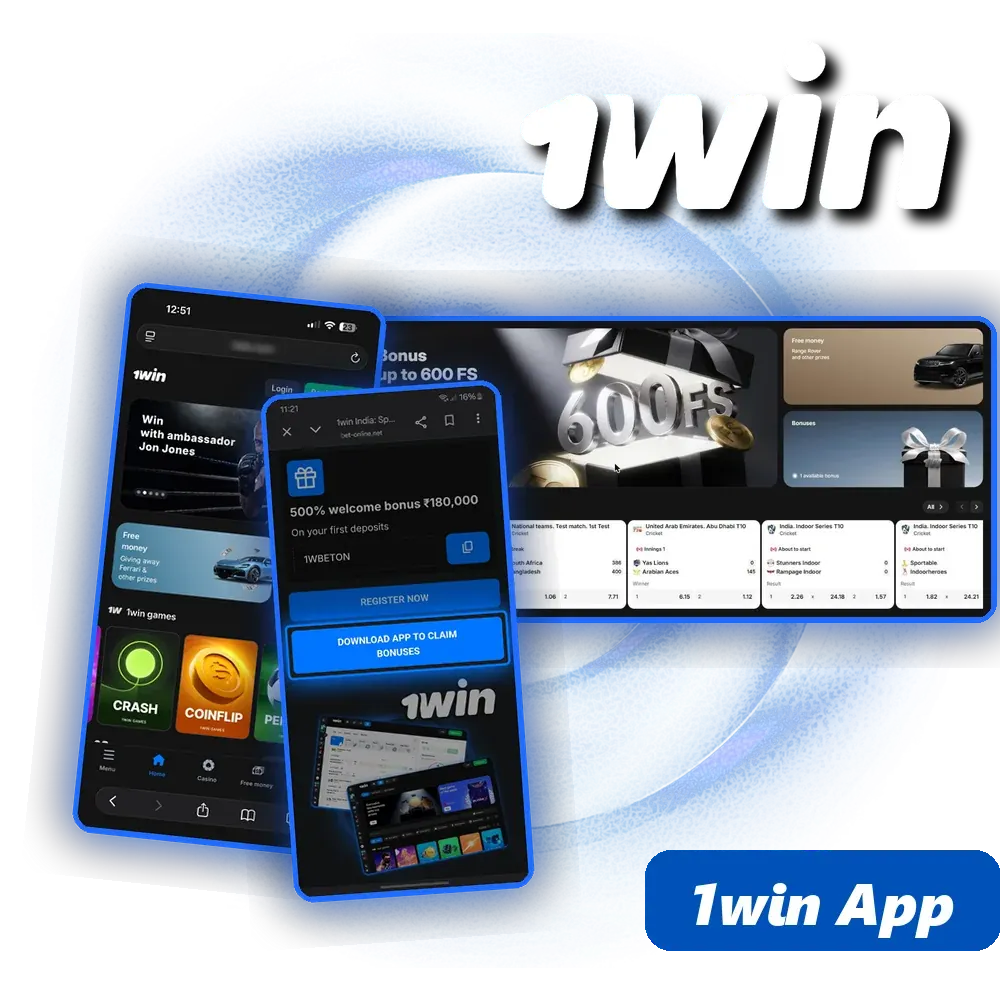
The 1win app is free: Android users install an APK file from the official 1win site, iPhone users add the web app to the home screen through Safari, and PC users can get 1win for Windows. You get the same INR account, cricket betting, casino and UPI payments as on the website, plus 200 1win Points for installing. New players can register in the app with promo code 1WBETON.

500% + 500 FS

1WBETON Copied
App – 1win India

1win app at a glance

Key facts about the 1win mobile app for Indian users.

Price Free
Android APK file from the official 1win site
iPhone and iPad Web app: Safari → Share → Add to Home Screen
Windows PC 1win for Windows desktop app
Install reward 200 1win Points (Android and iOS)
Account currency Indian rupee (INR)
Deposit methods UPI, PhonePe, Paytm, bank transfer (IMPS/NEFT), crypto
Minimum deposit ₹300 (PhonePe and the welcome bonus)
Minimum withdrawal ₹1,200 via IMPS
Welcome offer Up to 500% + 500 free spins on four deposits
Promo code 1WBETON
Support 24/7 live chat inside the app

What the 1win app is and what you can do in it

The 1win app is a mobile version of the full 1win platform, not a cut-down companion. One account works everywhere: if you registered on the website, you log in to the app with the same phone number or email and password, and your INR balance, bonuses and bet history are already there.

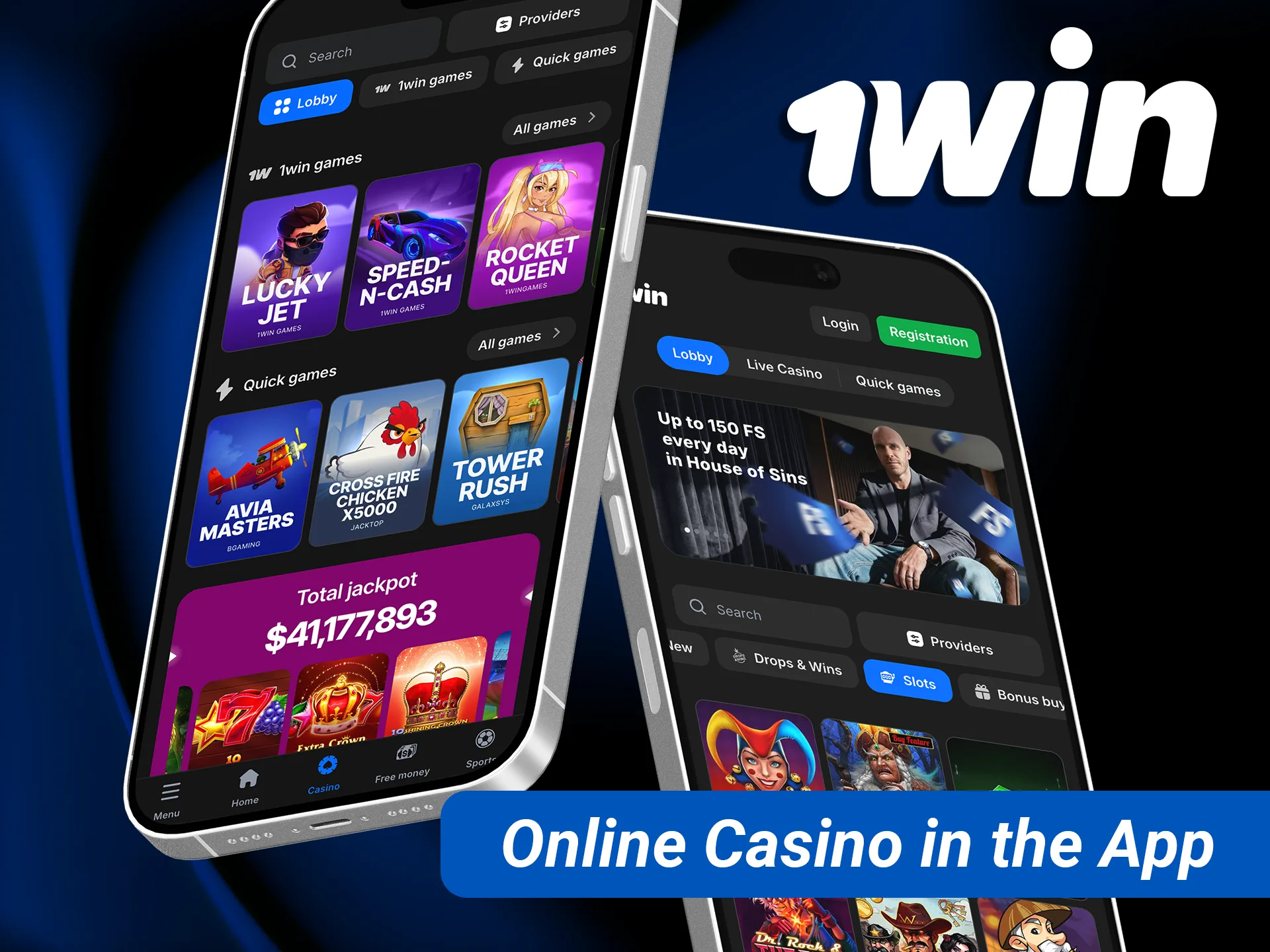
Inside the app you get the sportsbook with cricket in front (Tests, ODIs, T20 leagues, Syed Mushtaq Ali Trophy, BBL and Indian domestic matches), live betting, the casino lobby with 15,000+ games, 1,075 live tables including Indian tables such as Andar Bahar and Teen Patti, crash games like Aviator and Lucky Jet, and the new 1win Markets section with Yes/No predictions.

The cashier works in rupees with UPI, PhonePe, Paytm and bank transfer, and support is available through live chat at any hour. A home-screen icon makes it faster to check a live score or cash out a bet than opening a browser and typing the address.

Two things are different from Play Store apps you are used to. On Android, 1win distributes the app as an APK file from its own site, so you install it manually. On iPhone, the app is a web app added through Safari, so there is nothing to download from the App Store. Both methods are covered step by step below.

App Android – 1win India

Will the 1win app work on your phone?

Pick your phone type and system version to see which 1win app option suits your device: the Android APK, the iOS web app or the mobile site in your browser.

How to download and install the 1win APK on Android

The whole process takes a couple of minutes. Use Chrome or another browser on your phone and open the official 1win site, not a third-party APK portal.

1

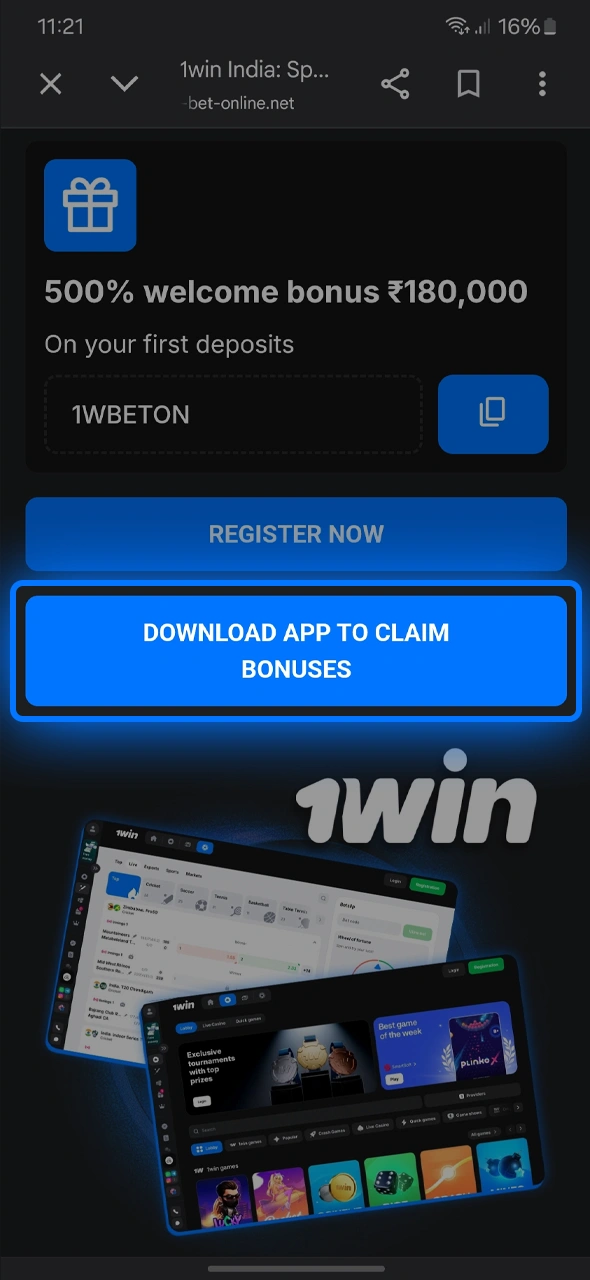
Get the APK file from the official 1win site

Get the file from our site by clicking the official 1win Android download link.

Open the 1win site on your phone, tap the Android app banner or the app icon in the menu and download the APK file. Your browser may warn that this file type can be harmful; that is a standard warning for any APK, confirm the download.

2

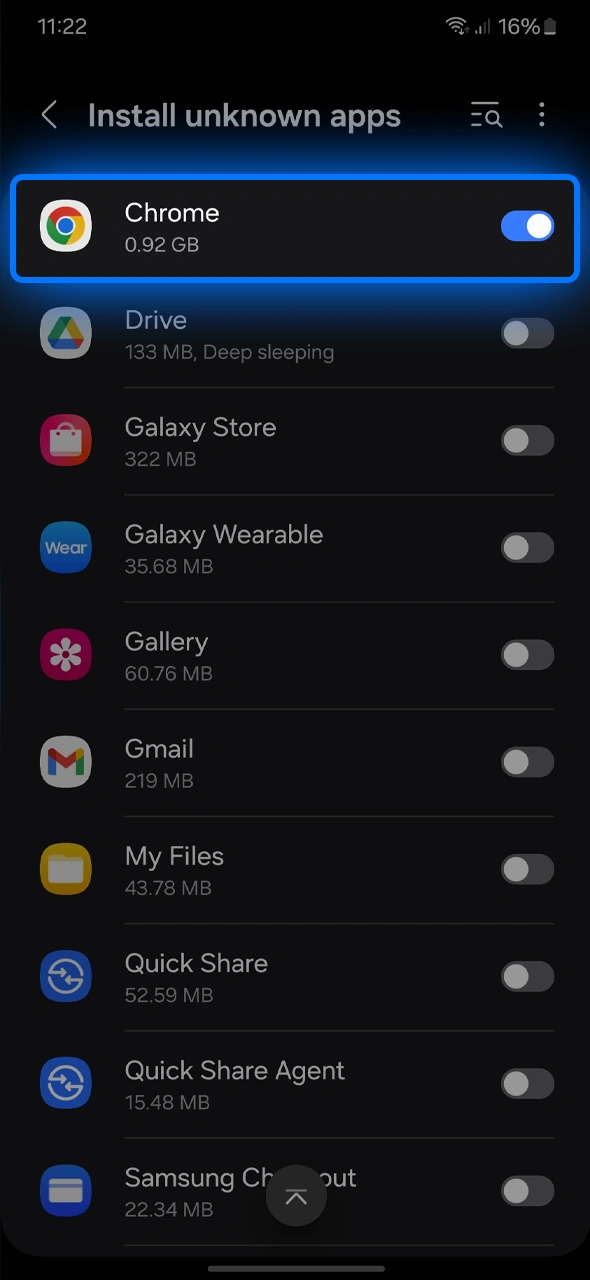
Allow installation from unknown sources

Go to settings and allow unknown sources to enable the 1win APK installation.

Open the downloaded file. Android will ask for permission to install apps from this source; open Settings, turn on the permission for your browser or file manager and go back.

3

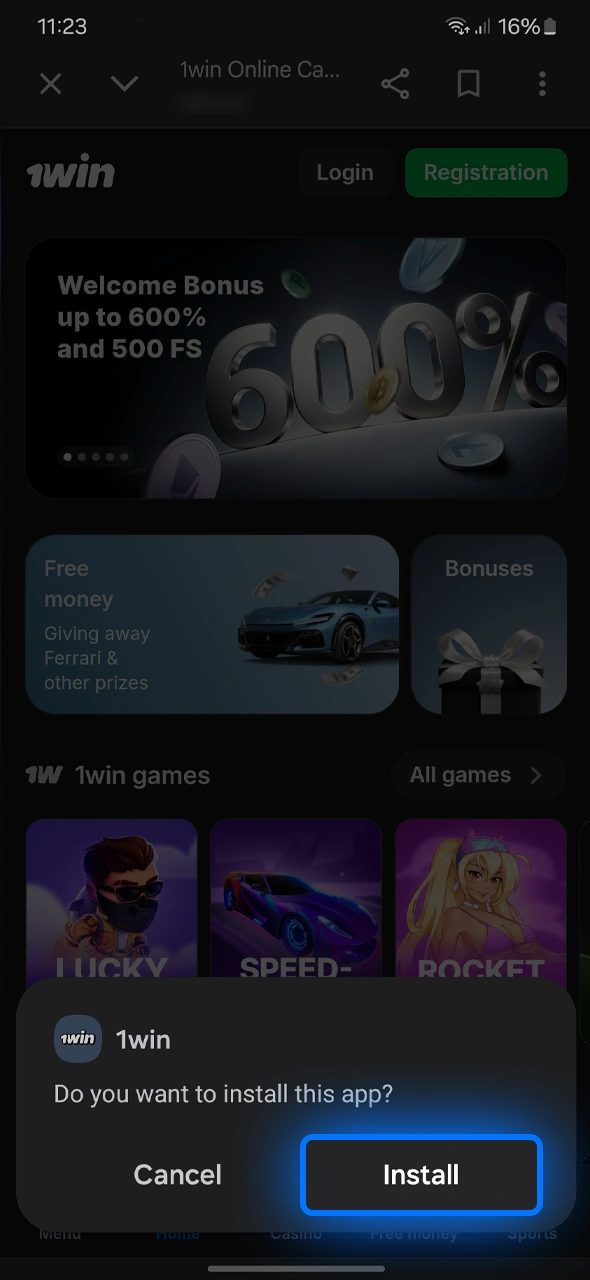
Install the app

Install and login to the 1win app to access your personalized dashboard.

Tap Install on the system prompt and wait until the installation finishes. Then tap Open or find the 1win icon on your home screen.

4

Register with promo code 1WBETON or log in

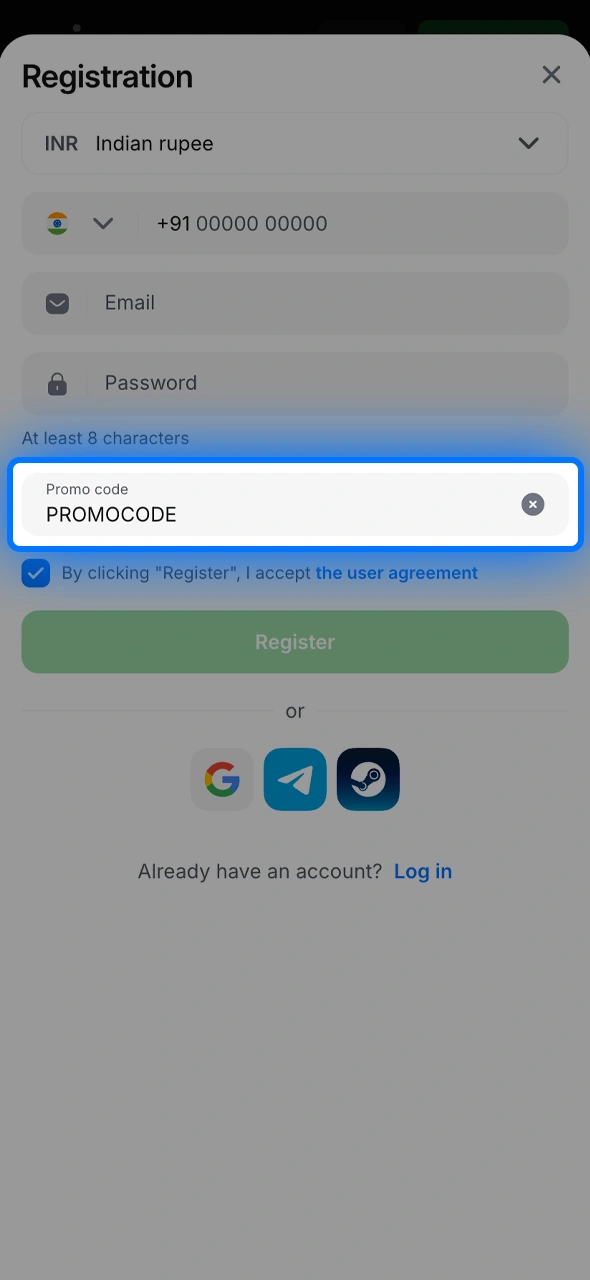
Enter the bonus code manually to unlock your 1win welcome rewards.

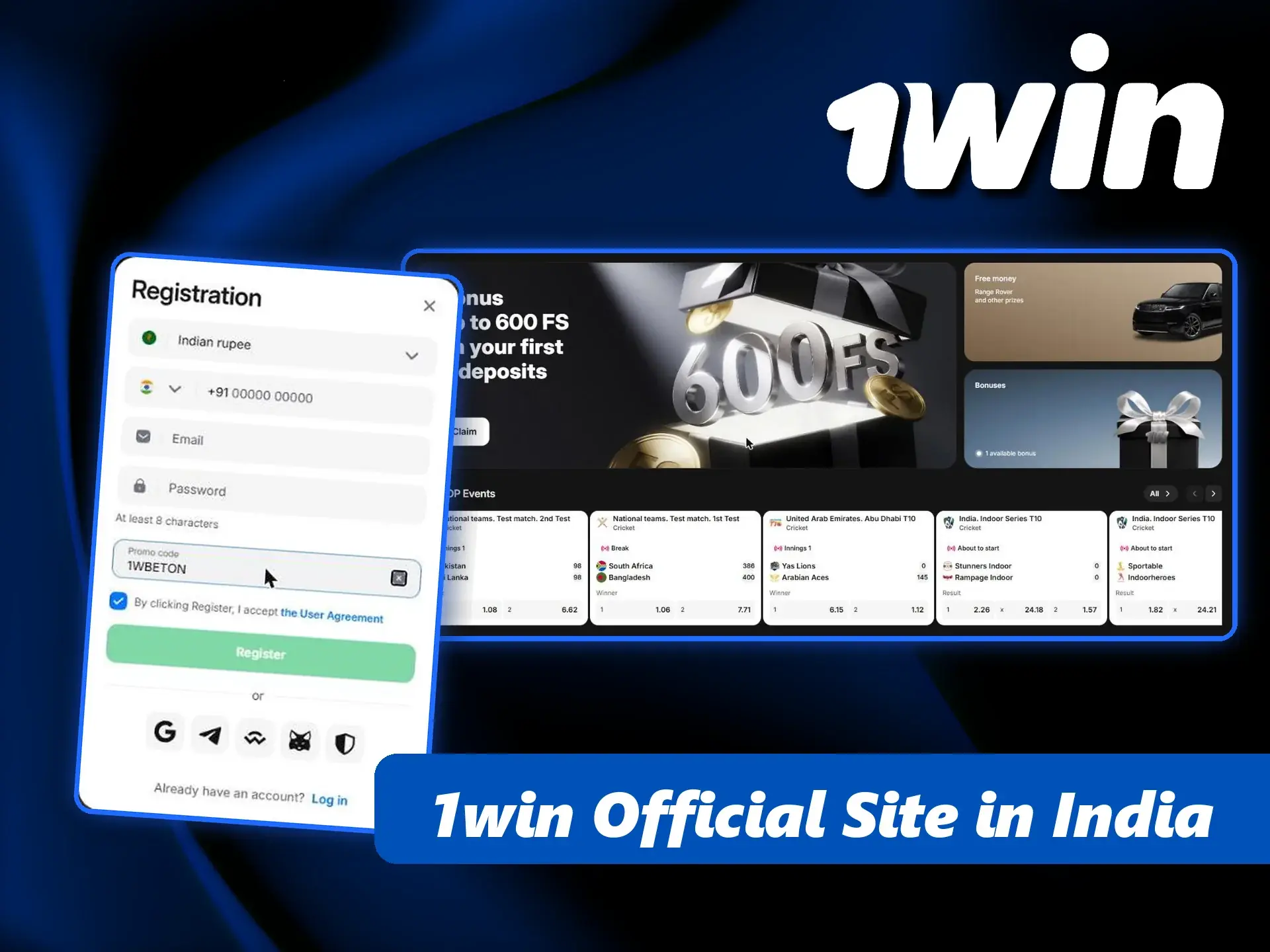
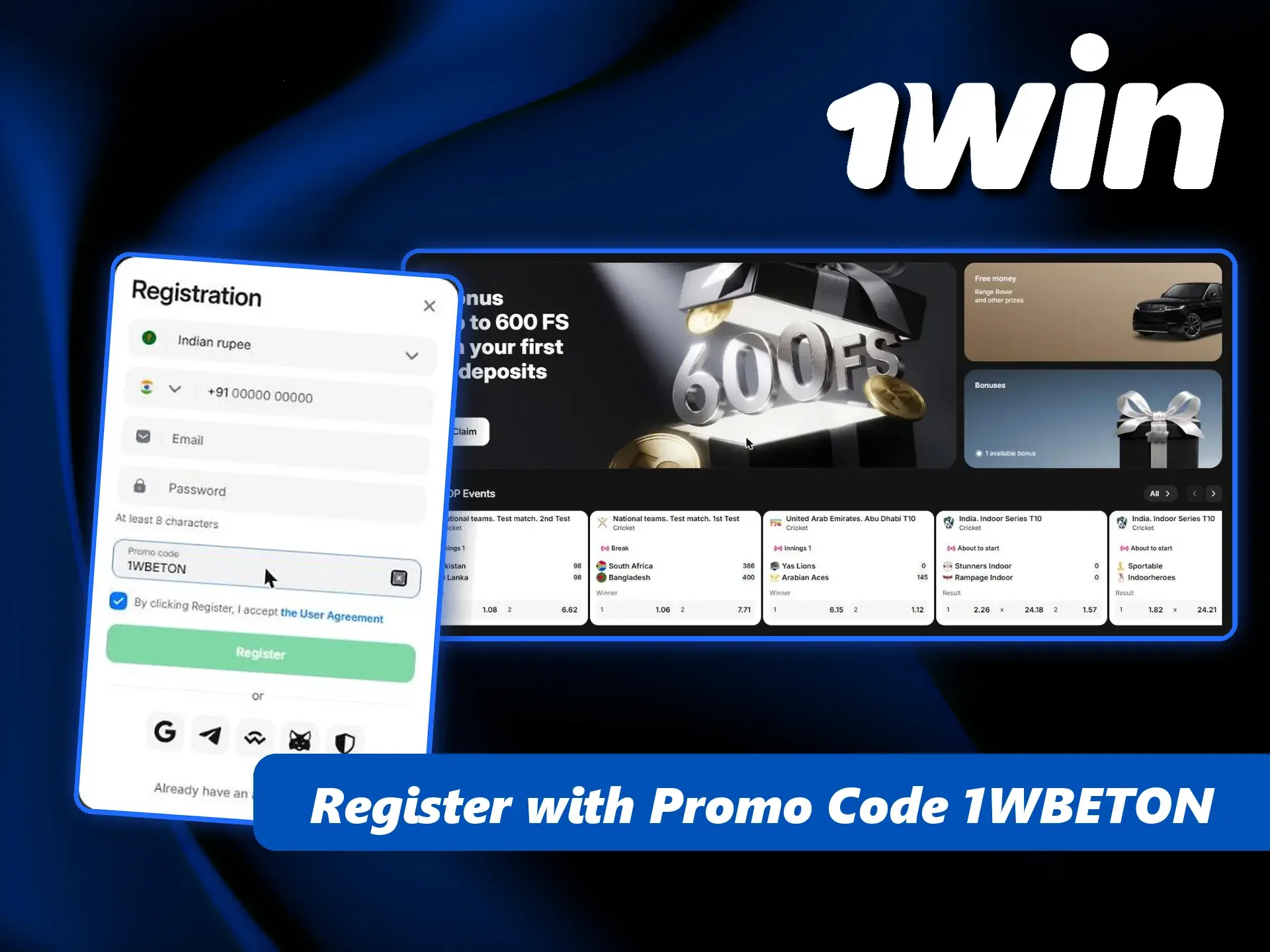
New players tap Registration, choose INR, enter a +91 phone number, email and password, then tap Add promo code and enter 1WBETON. Existing players simply log in with their usual details.

5

Start playing

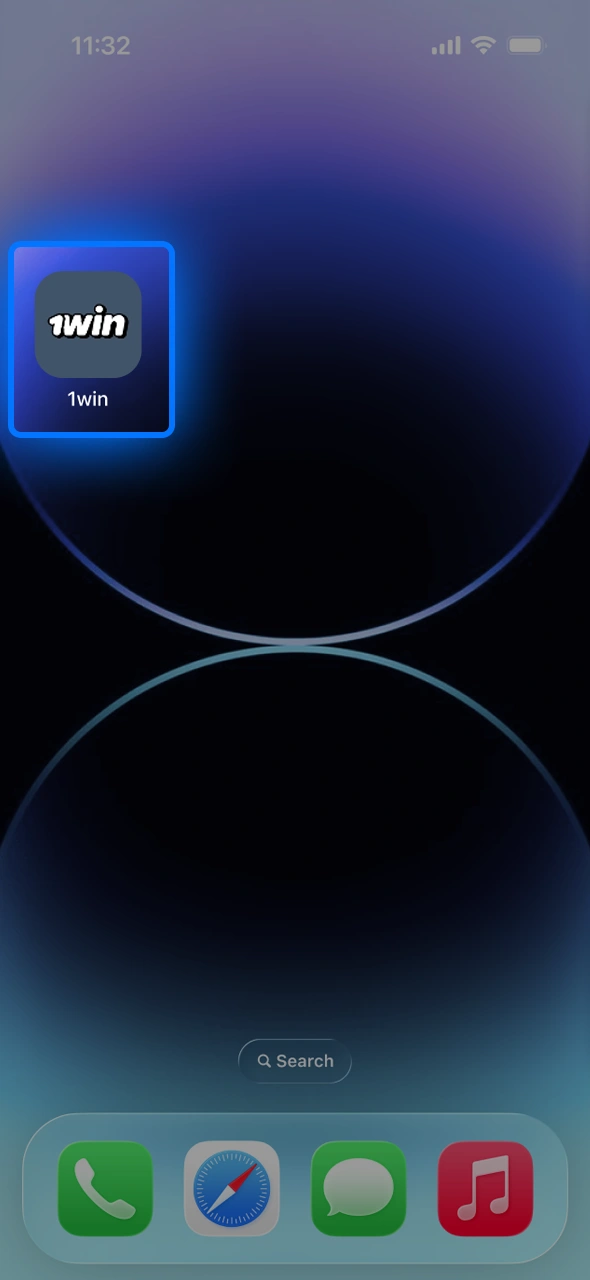
Start gaming instantly by launching the 1win shortcut from your iOS home screen.

Make your first deposit through UPI, PhonePe, Paytm or bank transfer and open cricket, casino or Aviator. After installation you can switch the unknown-sources permission off again.

Android requirements and fixes for common install errors

The APK runs on most Android phones sold in India in recent years, from budget Redmi and Realme models to Samsung and OnePlus flagships. 1win does not publish a strict list of supported devices, so the practical rule is simple: keep your Android version updated, leave enough free storage for the app and its updates, and use a stable mobile data or Wi-Fi connection while downloading.

If something goes wrong, the cause is usually one of these:

  • “App not installed” — an older 1win APK or a fake copy is already on the phone. Uninstall it, restart the phone and install the fresh file from the official site.
  • “There was a problem parsing the package” — the download was interrupted. Delete the file and download it again over a stable connection.
  • Play Protect warning — Google shows this for apps installed outside Google Play. Check that the file came from the official 1win site before you continue.
  • Install button is grey — the unknown-sources permission is off for the app you used to open the file. Enable it in Settings → Apps → Special access.
  • Not enough space — clear cache or old media files and try again.

If none of this helps, open the mobile site in Chrome, log in and write to live chat; support can send the current download link.

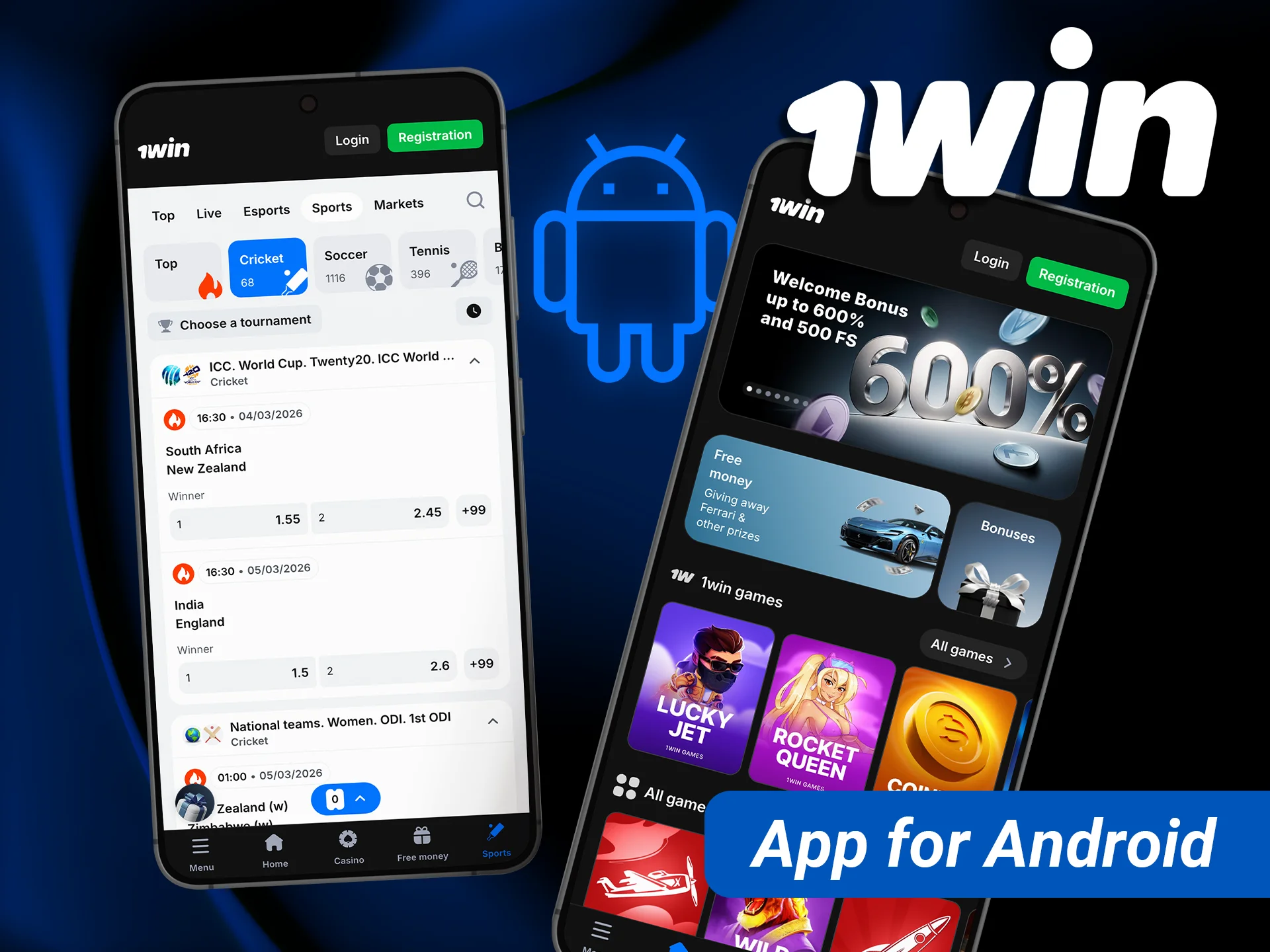
Install 1win on Android to bet on cricket matches directly from your smartphone.

How to install the 1win app on iPhone (iOS)

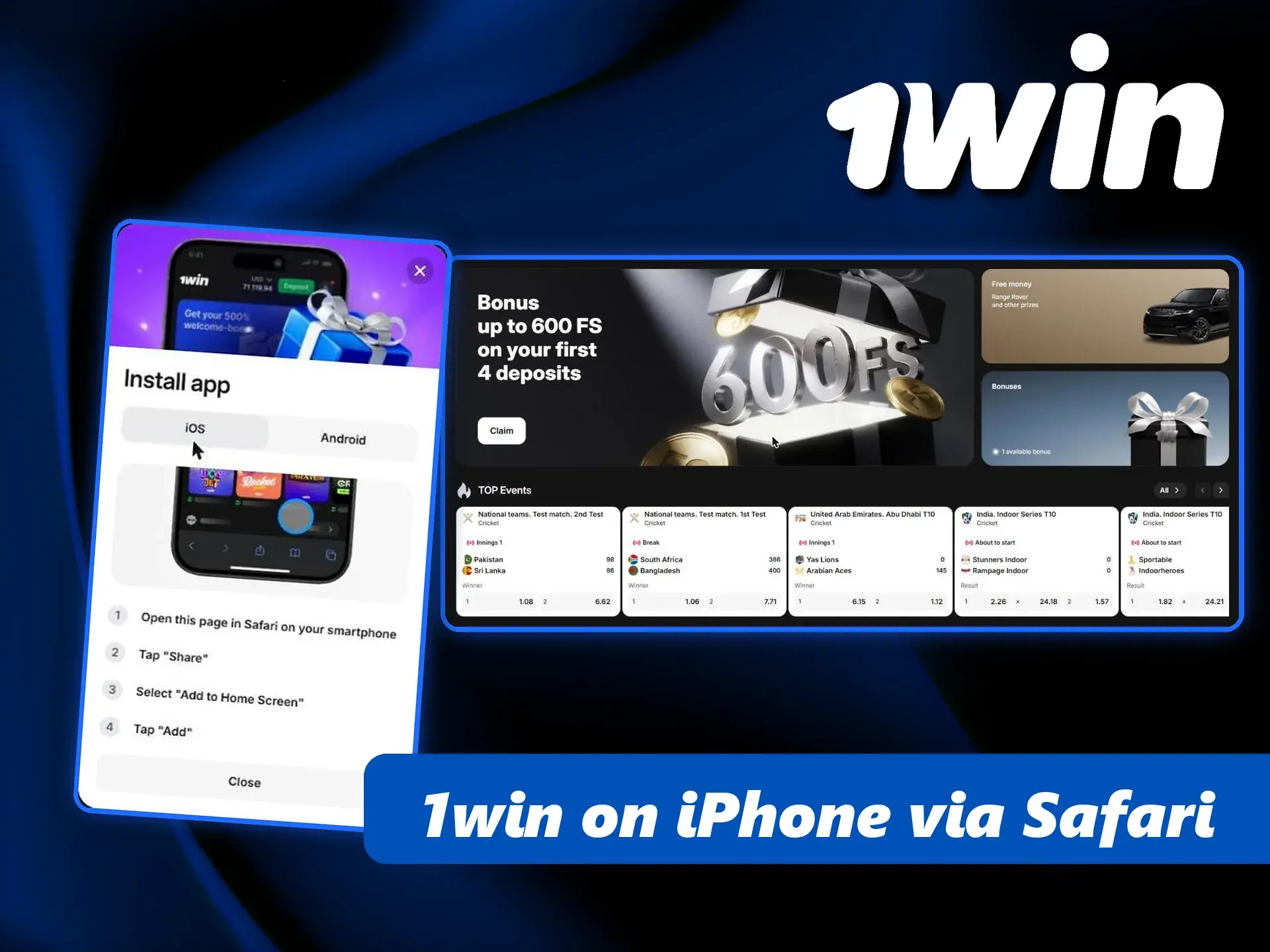
On iOS, 1win works as a web app: Safari adds a 1win icon to your home screen that opens full screen, like a regular app. No App Store account or profile installation is needed.

1

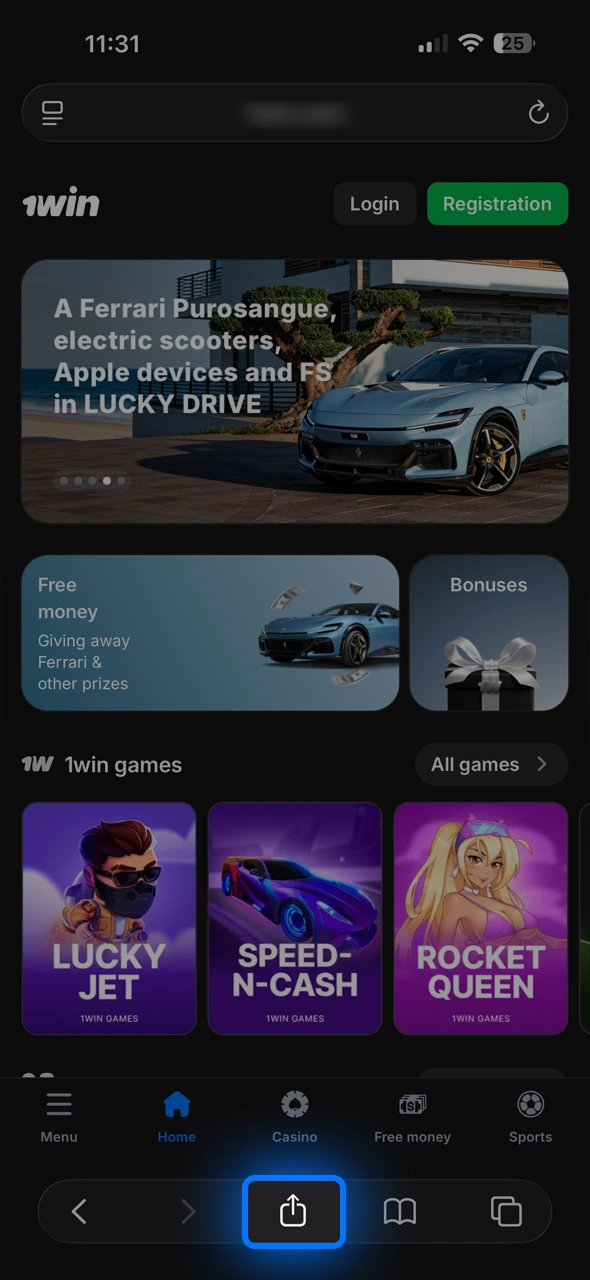
Tap Download iOS app on the 1win site

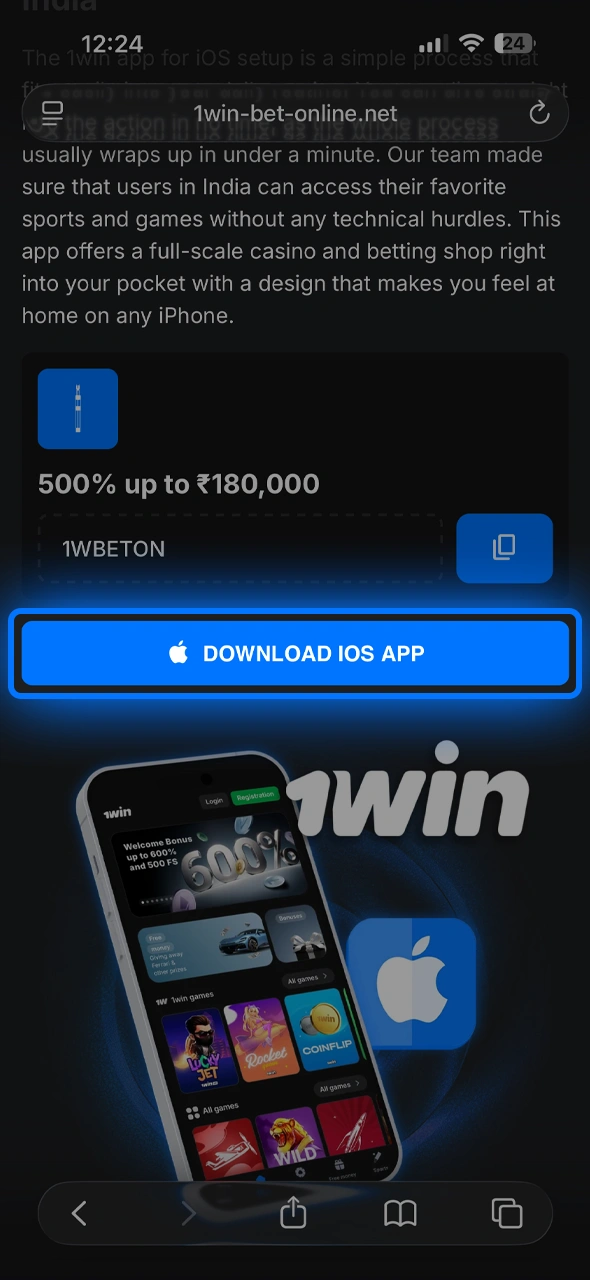
Click the download button on the 1win mobile website to start the process.

Open the official 1win site and tap the iOS app button. The site shows a short instruction for adding the app.

2

Open the site in Safari

Open Safari browser on your iOS device and navigate to the 1win mobile site.

The home-screen method works through Safari. If you opened the link in Chrome or inside a messenger, copy it and open it in Safari.

3

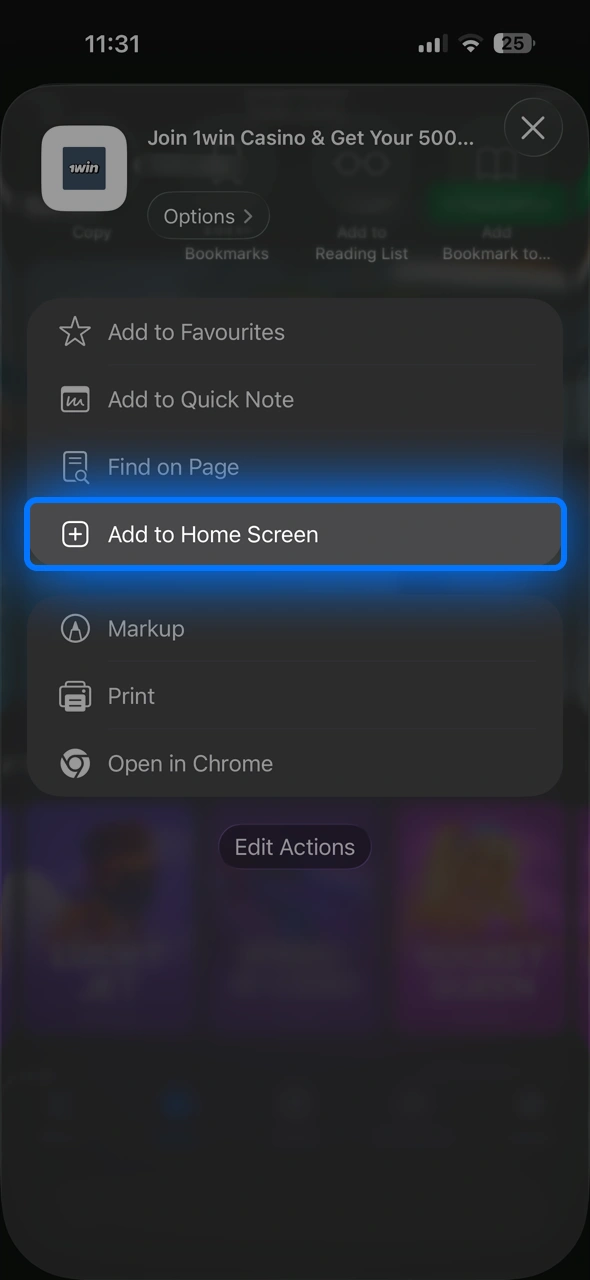
Add to Home Screen

Tap the share icon and select add to home screen to create the 1win PWA.

Tap the Share icon at the bottom of Safari, scroll down, choose Add to Home Screen and tap Add.

4

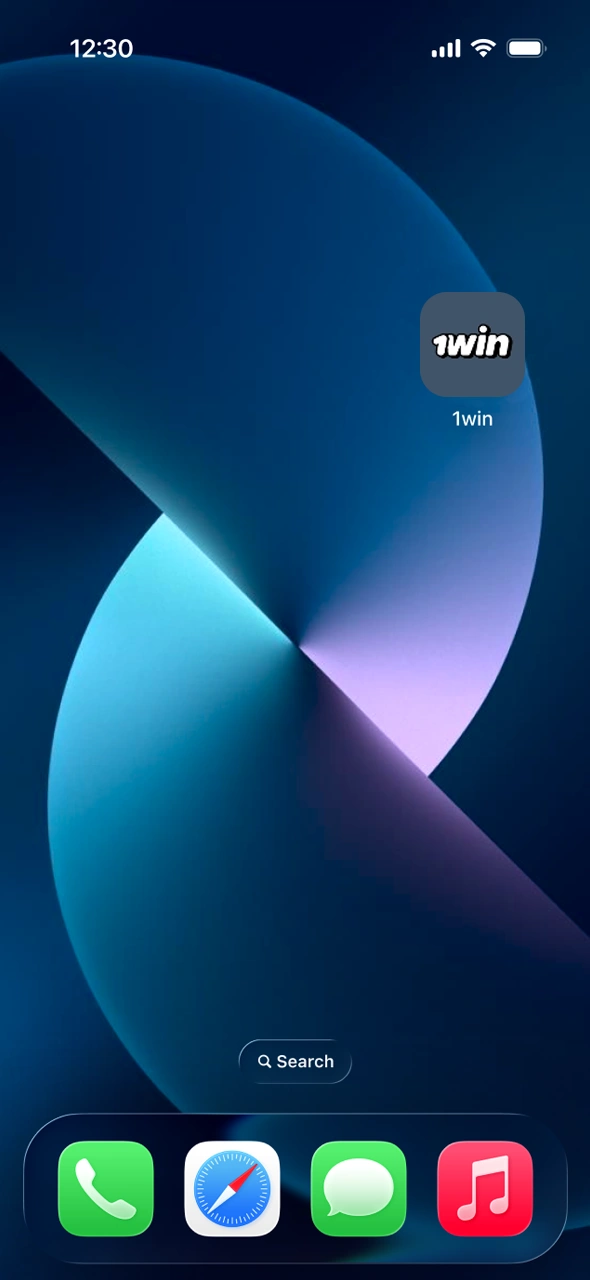
Open 1win from the new icon

Start the app by following the instructions for the iOS installation.

The 1win icon now sits on your home screen. Tap it to open the platform in full-screen mode without the browser bar.

5

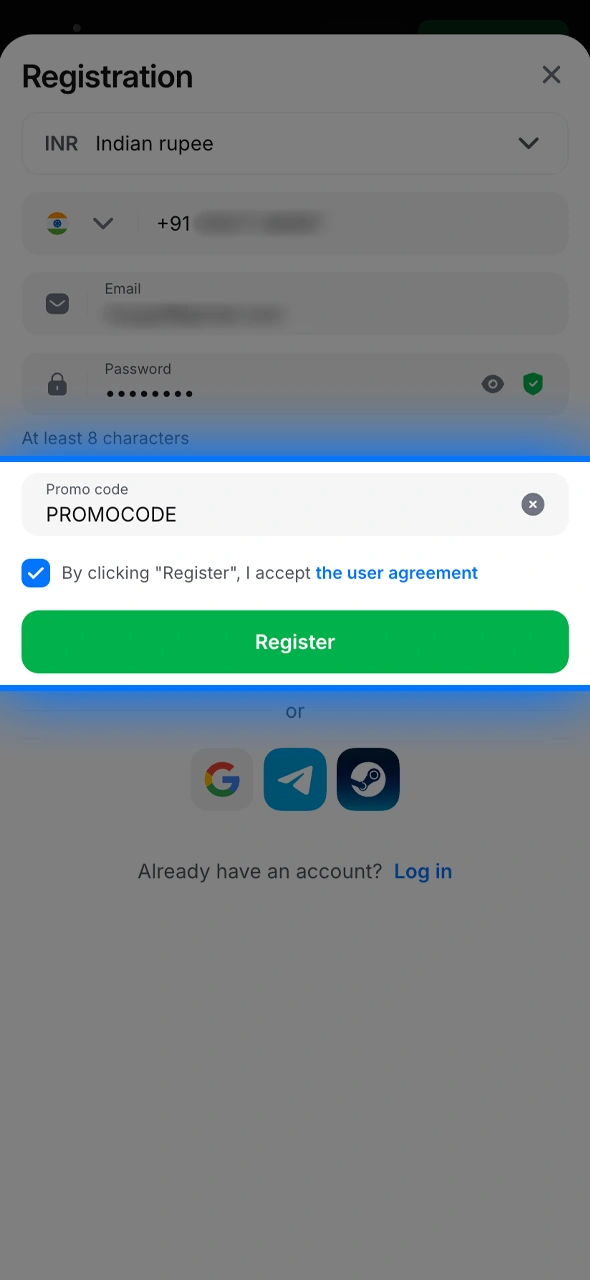
Register with code 1WBETON and confirm

Enter the code into the promo field to activate your 1win mobile welcome bonus.

Tap Registration, fill in INR, phone, email and password, enter promo code 1WBETON in the promo field and confirm. If you already have an account, log in instead.

iOS web app vs a native iPhone app

Many Indian iPhone users search for “1win iOS download” expecting an App Store page. 1win’s approach for iOS is the web app, and for most people it is the better option: there is no large download, nothing to update manually and no risk of installing a fake copy from an unofficial store.

The web app loads the current version of the platform every time you open it, so new cricket markets, casino games and promotions appear without any action from you. It uses Safari’s engine, so performance depends on your iOS version and connection, but betting, live casino streams and deposits work the same as on Android.

Things worth knowing:

  • Log in once and Safari keeps you signed in unless you clear website data.
  • If the icon opens a blank page, check your connection, then remove the icon and add it again from Safari.
  • Listings called “1win” in the App Store are not the source 1win points iPhone users to on its own site. Use the Safari method.

The 200 1win Points for installing the app apply to iOS as well as Android, according to the 1win Promotions page.

App Ios – 1win India

1win for Windows: the PC app

If you bet mostly from a laptop or desktop, 1win also offers a desktop application called 1win for Windows. You find it on the official 1win site in the apps section; download the installer, run it and follow the standard Windows setup wizard. After installation a 1win shortcut appears on your desktop.

The PC app gives you the full desktop interface in its own window: a wider sportsbook with several live cricket matches visible at once, the casino lobby, live dealer tables in a larger view and the same cashier with UPI, PhonePe, Paytm, bank transfer and crypto. It is handy if your browser often opens an outdated mirror or if you want 1win separate from your work tabs.

If you use a Mac, the 1win website in Safari or Chrome gives you the same features. On any computer, log in with the same account you use on your phone. Your balance, open bets and active bonuses are shared across all devices.

Home – 1win India

Registration and login in the 1win app (promo code 1WBETON)

Creating an account in the app takes the same fields as on the website. Tap Registration and fill in:

  1. Currency: Indian rupee (INR).
  2. Phone number with the +91 code.
  3. Email address.
  4. Password of at least 8 characters.
  5. Tap Add promo code and enter 1WBETON.
  6. Tick the box accepting the User Agreement and tap Register.

You can also sign up in one tap with Google, Telegram or a crypto wallet such as MetaMask or WalletConnect. With the promo code, your first four deposits qualify for the welcome package: 100% + 70 free spins on the first deposit, then 120% + 100 FS, 130% + 150 FS and 150% + 180 FS. The first deposit needs at least ₹300, and the bonus on it is capped at ₹45,000 with a x30 wager. Full terms are on the 1win welcome bonus page.

To log in, choose the Phone or Email tab, enter your password and tap Login, or use the same social account you registered with. If you forget the password, tap Forgot your password? and follow the reset steps. Login errors are covered on the 1win login page. You must be 18+ to register, and using a VPN to change your location is against 1win rules.

Register – 1win India

Promo code for the 1win app

1win promo code

Enter 1WBETON in the Add promo code field when you register in the app. It links your account to the welcome package of up to 500% and 500 free spins across your first four deposits, and you still collect 200 1win Points for installing the app.

1WBETON

What you can do in the 1win app

Every section of the 1win site is available in the app. These are the ones Indian users open most.

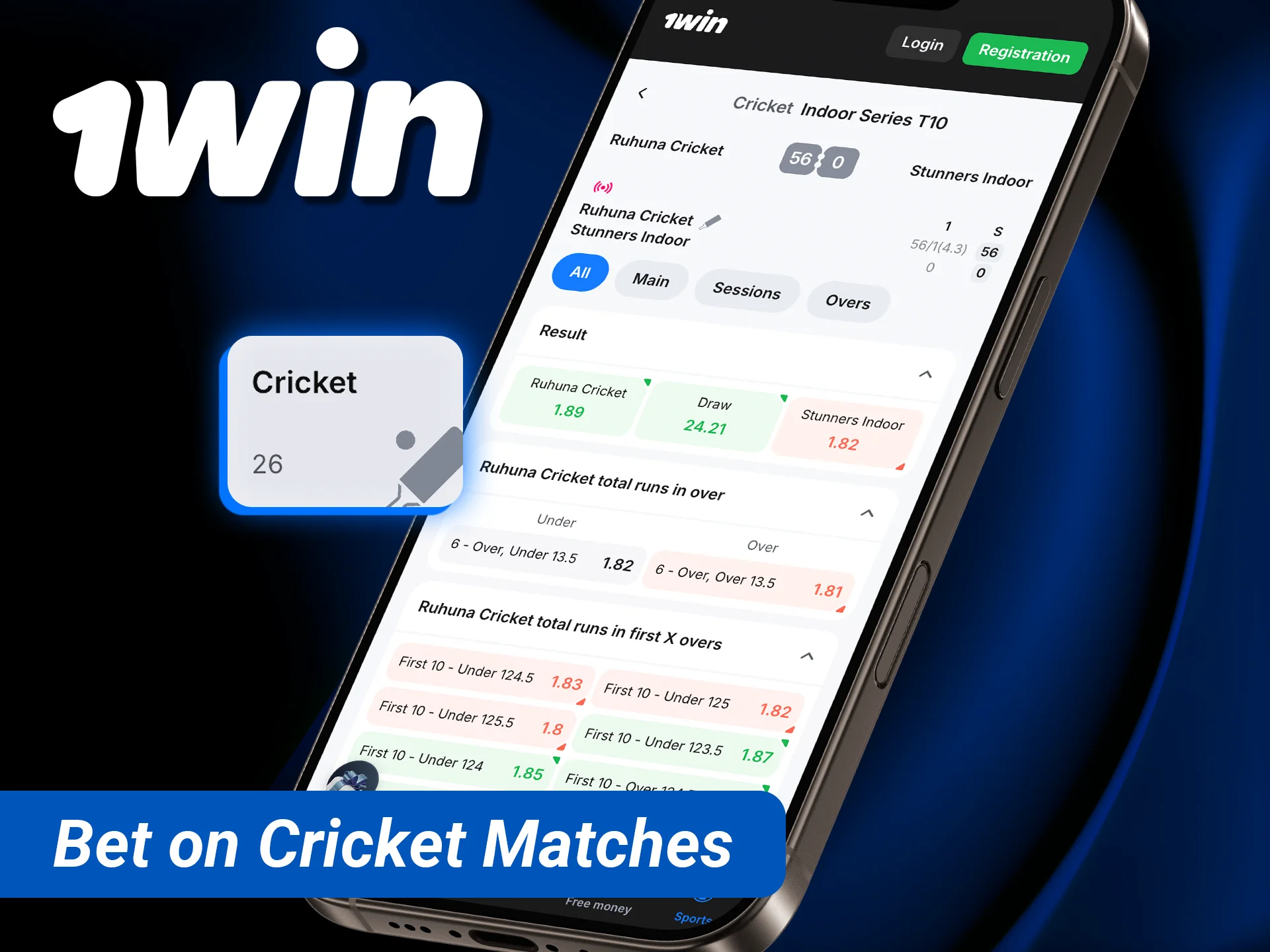
Bet on cricket matches with live odds directly from your iPhone or iPad.

Cricket betting

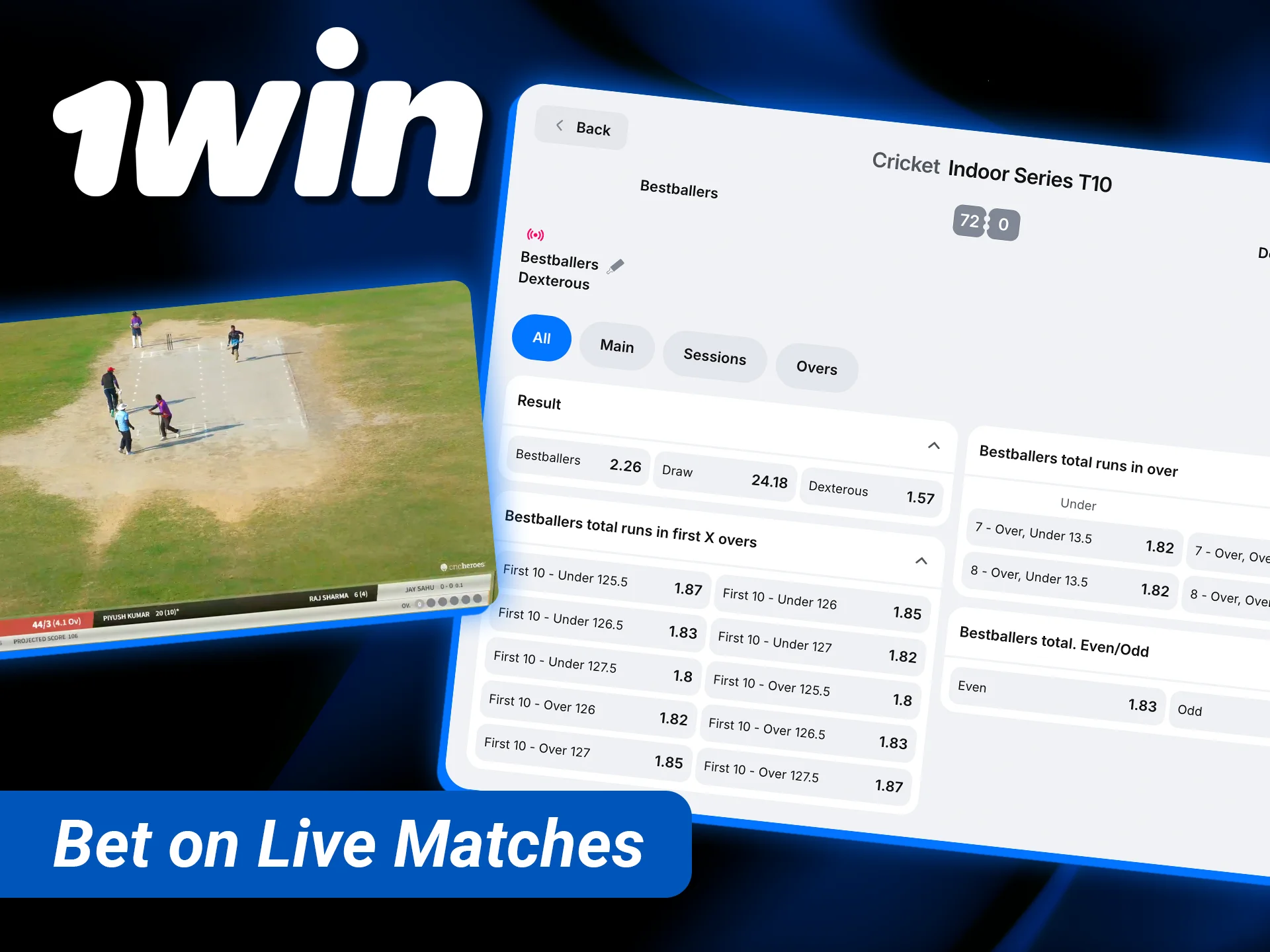
Pre-match and live markets on Tests, ODIs, T20 leagues and Indian domestic cricket: match winner, toss, total runs, sessions, overs and player markets.

Place your wagers and bet on live matches with real-time updates at 1win.

Live betting

Odds update ball by ball, and you can follow several matches from the Live tab and build a bet slip in INR.

Play online casino in the app and enjoy hundreds of slots and table games.

Casino and live dealers

15,000+ games and 1,075 live tables, including Hindi Blackjack, Super Andar Bahar, Teen Patti and Dragon Tiger.

Aviator – 1win India

Aviator and crash games

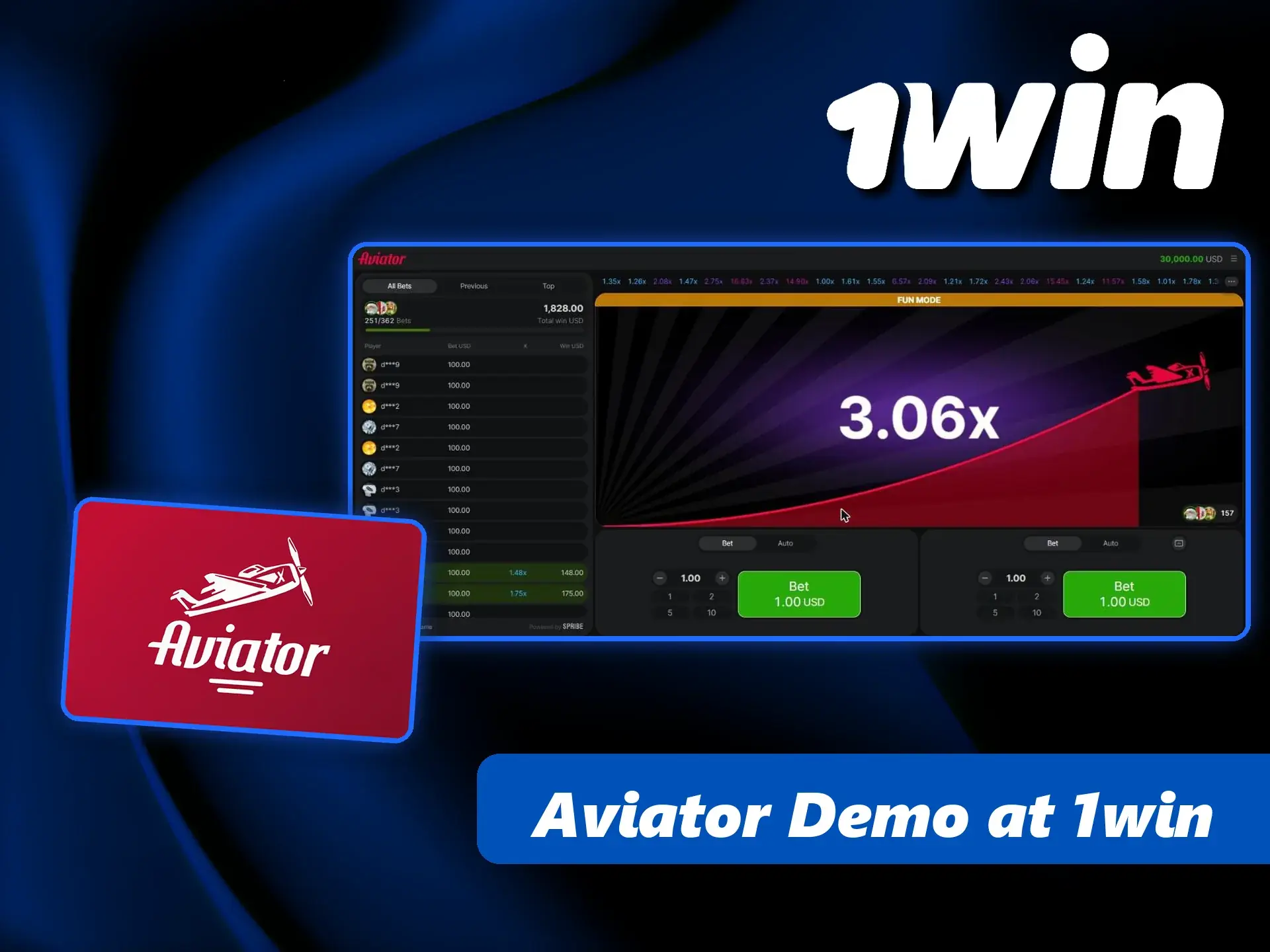
Aviator by Spribe with demo mode, plus 1win originals such as Lucky Jet, Rocket Queen, Speed-n-Cash and Mines.

Explore diverse 1win prediction markets for global events and trending sports.

1win Markets

Yes/No predictions on crypto, sports, politics and culture, priced as a percentage chance with visible volume.

Learn how to deposit funds securely using the 1win iOS interface.

UPI cashier

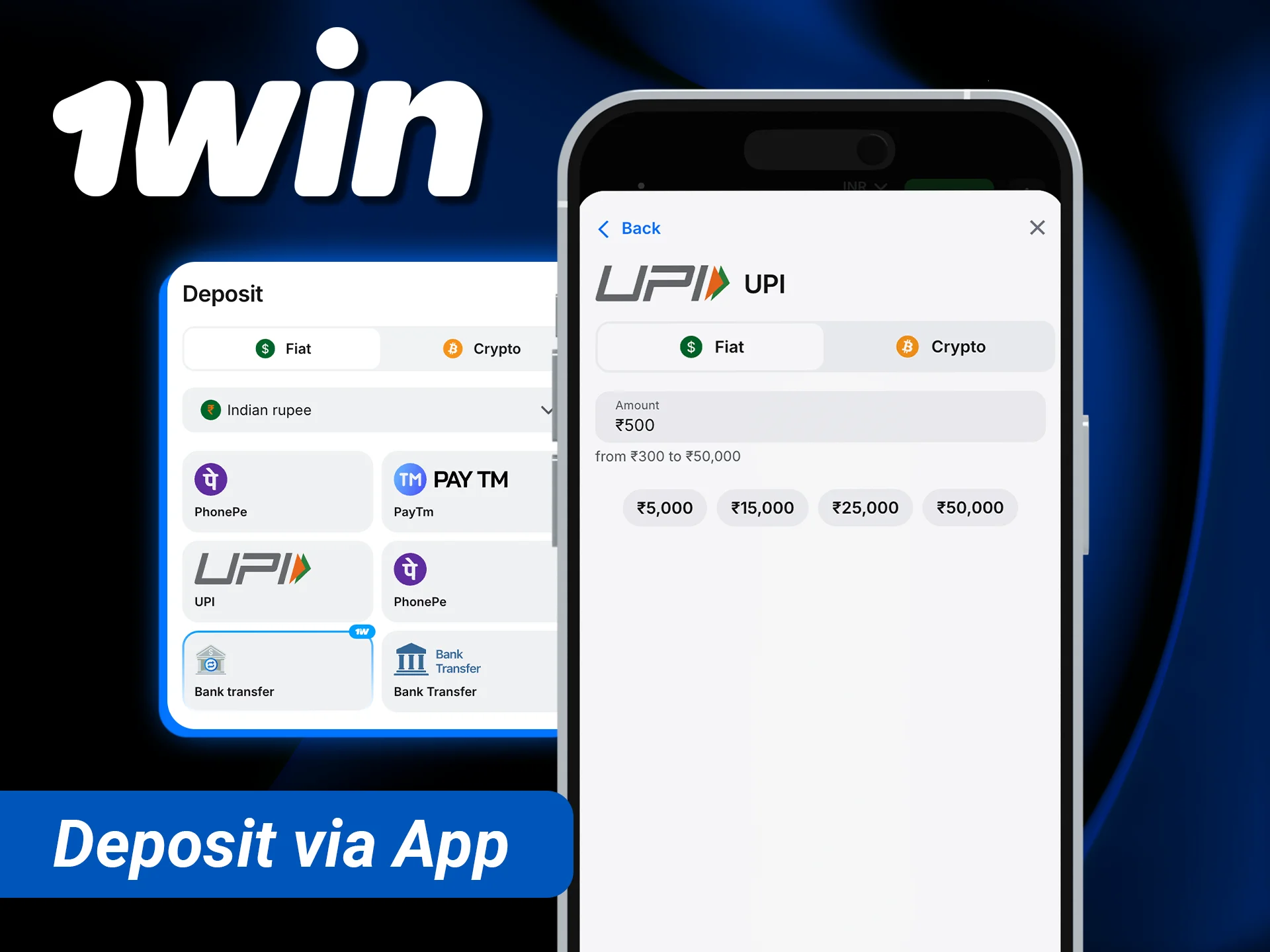
Deposit with UPI, PhonePe, Paytm or bank transfer and request IMPS or crypto withdrawals from the same screen.

Deposits and withdrawals in the 1win app

The cashier in the app is identical to the website cashier. Tap Deposit at the top of the screen, pick a method, enter the amount and follow the prompts. For UPI-based methods you usually confirm the payment in your UPI app; for bank transfer you send money to the shown account and enter the UTR number.

Method Deposit range (cashier example) Withdrawal
PhonePe ₹300 – ₹50,000 Via IMPS
Bank transfer (IMPS/NEFT) ₹500 – ₹100,000 IMPS ₹1,200 – ₹50,000 per request
UPI, Paytm Shown in cashier Via IMPS
USDT TRC-20 From 5 USDT Available

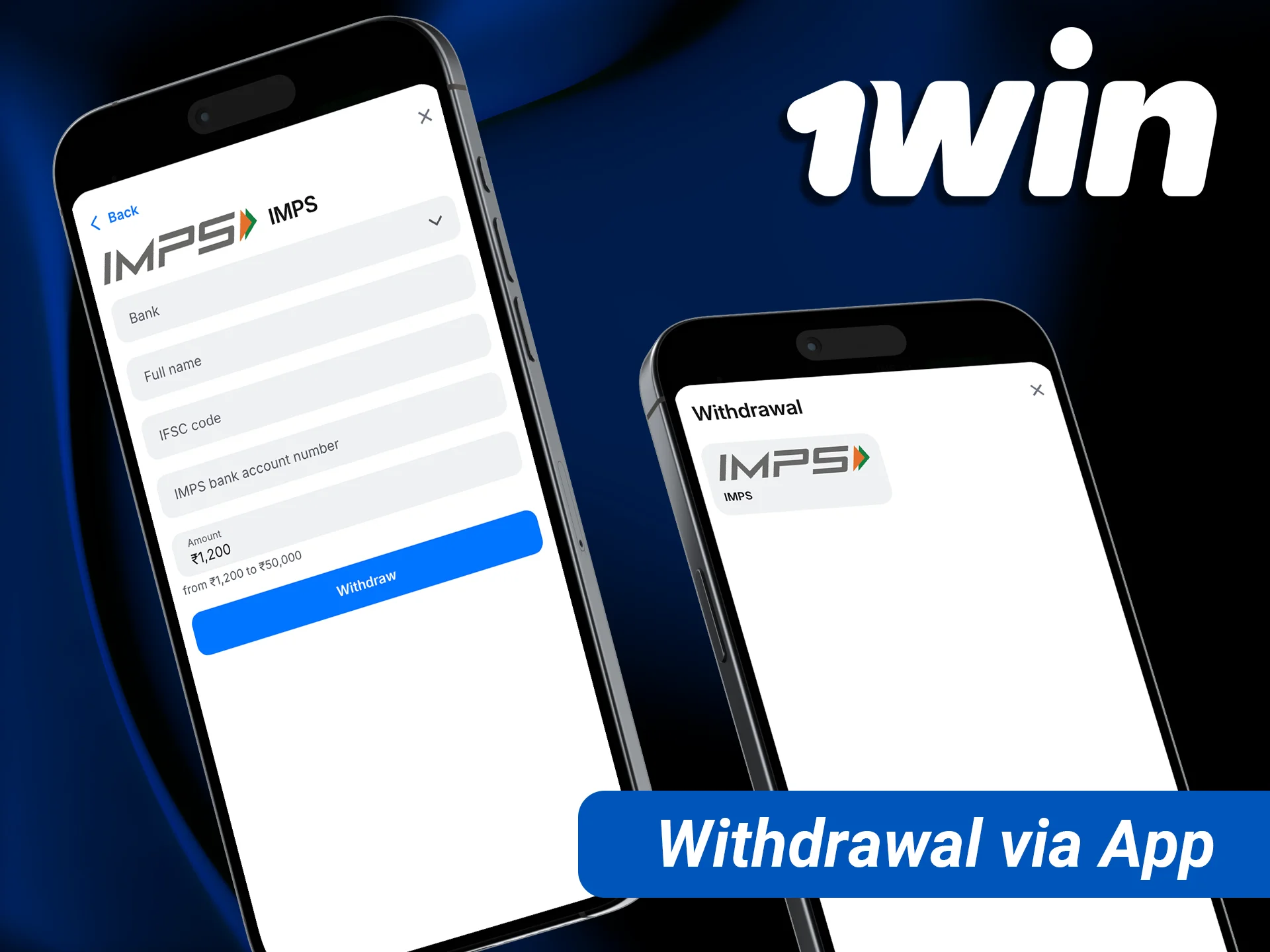
Withdrawals are requested from your profile: tap Withdraw, choose IMPS or crypto, enter your bank details and amount. 1win charges no commission, though your bank or the crypto network may. Processing usually takes from a few minutes to a few hours; first payouts or bank transfers can take 1–3 days, especially if KYC is requested. Limits can change, so always check the cashier. More detail on 1win payment methods and how to withdraw.

Withdraw your winnings quickly on mobile with our optimized payment system.

1win app vs mobile website: which to use

You do not need the app to play on your phone; the mobile site in Chrome or Safari offers the same account, games and cashier. The difference is convenience.

Feature 1win app Mobile website
Access One tap from the home screen Type or bookmark the address
Finding the right address Not needed, the icon opens 1win directly You need the current official link
Install reward 200 1win Points No
Storage on phone Needs space for the APK (Android) None
Updates Android: new APK version; iOS: automatic Automatic
Games, bets, bonuses Full Full

For daily use, especially live cricket betting where seconds matter, the app is the more practical choice. The mobile site is a good fallback if your phone is low on storage or you use a shared device and do not want 1win installed.

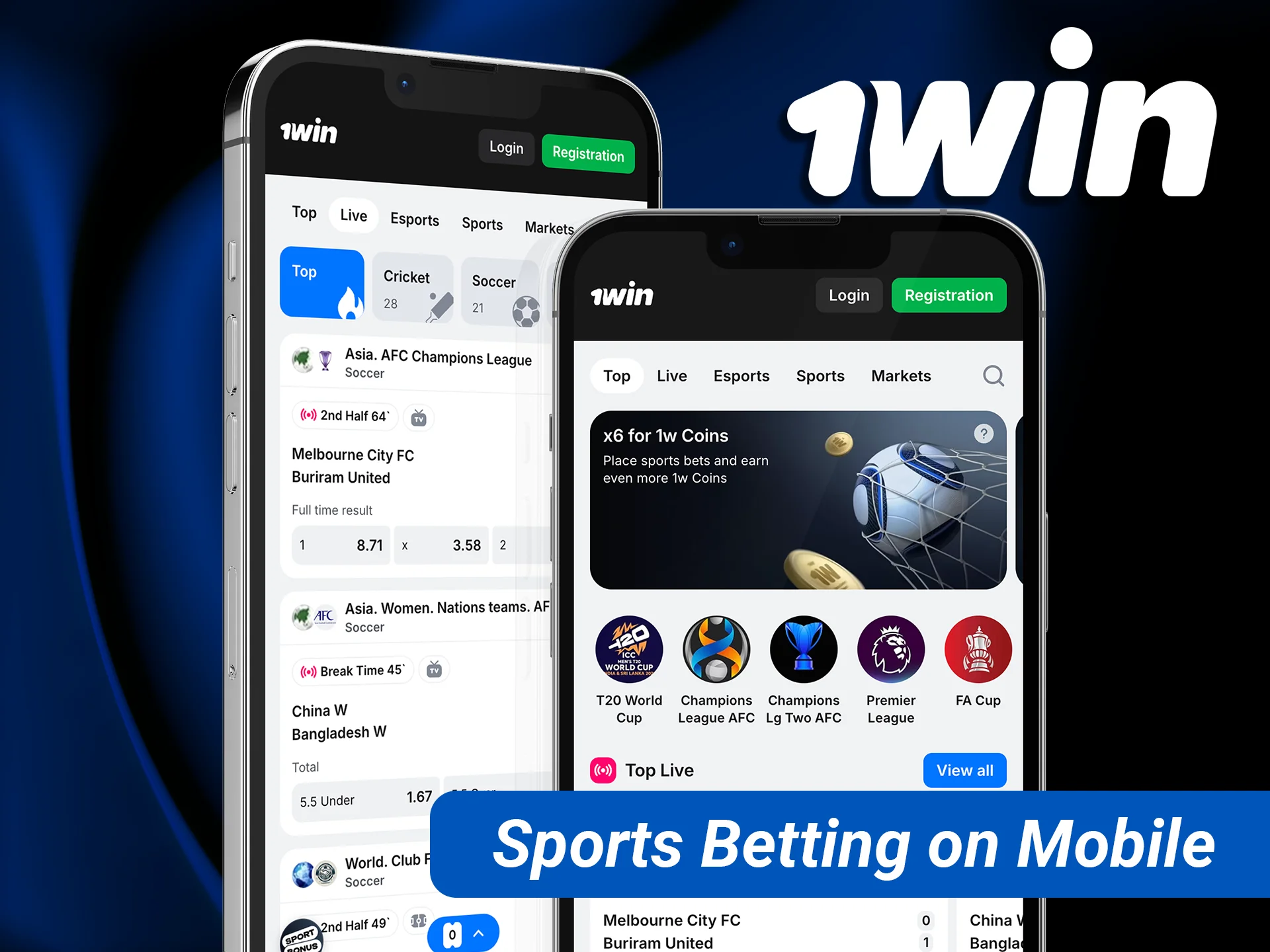
Access a full range of sports betting on mobile with the 1win application.

How to update the 1win app to the latest version

Searches for “1win apk latest version” and “1win old version” are common because the Android app does not update through Google Play. Here is how updates work:

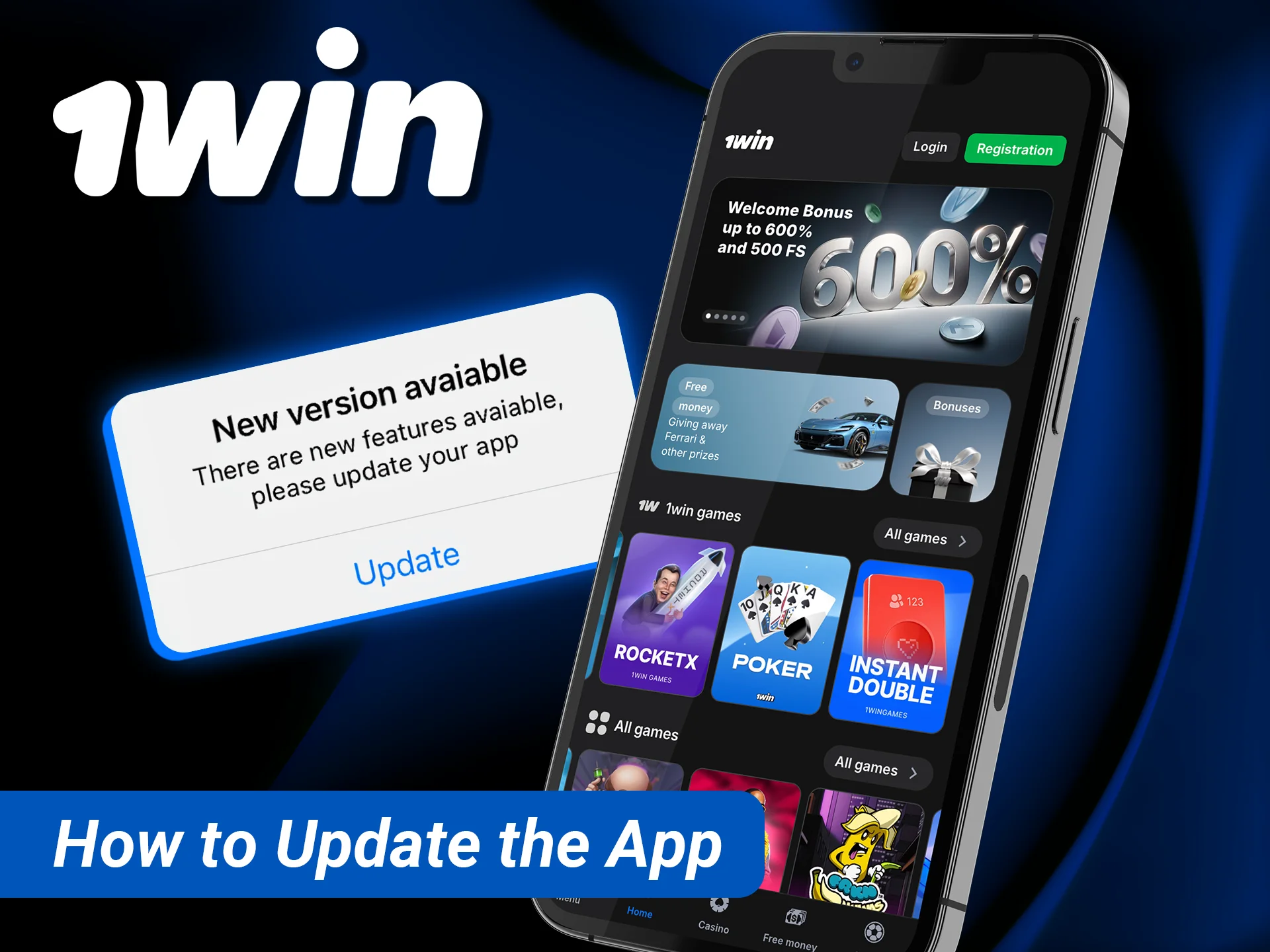
  • Android: when a new version is released, the app may show an update prompt on launch. Tap Update, let it download and install over the old version. If no prompt appears and the app behaves oddly, download the current APK from the official site and install it on top; your account data stays on 1win’s servers.
  • iOS: the web app always loads the current version. Nothing to update.
  • Windows: if the desktop app starts showing errors, download the current installer from the official site and run it again.

Avoid “old version” or “mod” APKs from download portals. Older builds may have broken payment screens, and modified files can steal login details. If you see an error after an update, clear the app cache in Android settings or reinstall from the official site.

Find out how to update your app to the latest version for new features.

Is the 1win app safe? Official source, permissions and uninstalling

The genuine 1win app is safe to install when it comes from the official 1win site. The risk lies in fake copies: Google Play and APK portals regularly show apps that use the 1win name and logo but are not published by 1win, and some of them collect phone numbers or payment data.

Protect yourself with a few habits:

  • Download the APK only through the app banner on the official 1win site or through the link support gives you in live chat.
  • After installing, switch off the unknown-sources permission again.
  • Use a strong password of at least 8 characters that you do not use anywhere else.
  • Never share your password or one-time codes with “agents” on Telegram or WhatsApp.
  • Ignore apps that promise Aviator predictions or signals; they do not work and are scams.

To uninstall on Android, long-press the 1win icon and choose Uninstall, or go to Settings → Apps → 1win → Uninstall. On iPhone, long-press the icon and choose Remove from Home Screen. Uninstalling does not close your account; to close it, contact support.

On the legal side, 1win is an offshore operator without an Indian licence, and the Promotion and Regulation of Online Gaming Act, 2025 restricts online money games in India. Read is 1win legal in India and follow your local law. 18+ only.

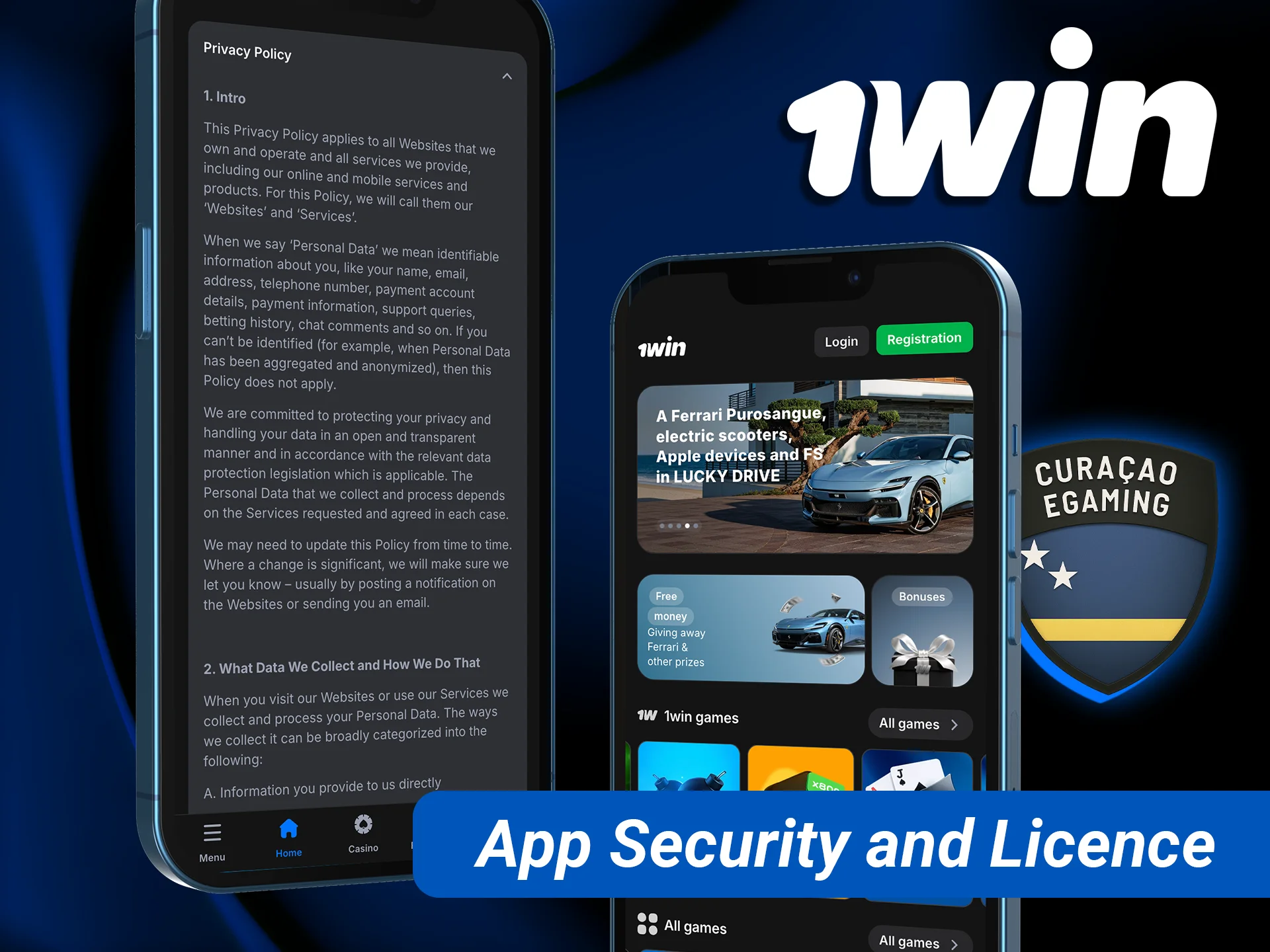
Stay protected with advanced mobile app security protocols and our official licence.

1win app: pros and cons

Pros

  • ✔ Free, with 200 1win Points for installing on Android or iOS
  • ✔ Full INR cashier with UPI, PhonePe, Paytm and bank transfer
  • ✔ Cricket front and centre, including live and virtual cricket
  • ✔ Same account and bonuses as the website, including promo code 1WBETON
  • ✔ iOS web app needs no App Store download and updates itself
  • ✔ Windows desktop version for PC users

Cons

  • ✖ Android APK must be installed manually, not from Google Play
  • ✖ Fake 1win apps circulate in stores and on Telegram
  • ✖ No native App Store app for iPhone
  • ✖ 1win holds no Indian licence; check your local law

Install the 1win app and register with 1WBETON

Download the official APK or add the iOS web app, enter promo code 1WBETON at registration and claim 200 1win Points for installing. 18+, play responsibly.

FAQ

Is the 1win app free to download?

Yes. The Android APK, the iOS web app and 1win for Windows are all free. You only pay what you choose to deposit. 1win also credits 200 1win Points to players who install the app on Android or iOS, according to its Promotions page. Download only from the official 1win site to avoid fake paid or modified copies.

Is the 1win app real or fake?

The app distributed through the official 1win site is real and gives access to the same account, games and cashier as the website. Fake apps also exist: some Google Play and APK-portal listings use the 1win name without being published by 1win. If an app asks you to pay for predictions, signals or a “VIP version”, it is not genuine.

How do I download the 1win APK in India?

Open the official 1win site in your phone browser, tap the Android app banner and download the APK. Allow installation from unknown sources when Android asks, tap Install and open the app. Then register with promo code 1WBETON or log in. The full step-by-step instructions with screenshots are above.

Is there a 1win app for iPhone?

Yes, as a web app. Open the 1win site in Safari, tap Share, choose Add to Home Screen and tap Add. The 1win icon then opens the platform full screen like a normal app. You do not need the App Store, and the web app always loads the latest version.

Can I log in to the 1win app with my website account?

Yes. One account works on the website, the Android app, the iOS web app and the Windows app. Use the same phone number or email and password, or the social login you registered with. Your INR balance, active bonuses and bet history are shared across all devices.

How do I use promo code 1WBETON in the 1win app?

During registration in the app, tap Add promo code under the password field and type 1WBETON before tapping Register. The code links your account to the welcome package of up to 500% and 500 free spins across four deposits. The first deposit must be at least ₹300, and the bonus on it is capped at ₹45,000 with a x30 wager.

Why is the 1win app not installing?

The most common reasons are an old or fake 1win app already on the phone, an interrupted download, the unknown-sources permission switched off, or low storage. Uninstall any old version, free some space, download the APK again from the official site over a stable connection and allow installation from that source.

How do I update the 1win app?

On Android, accept the update prompt the app shows on launch, or download the latest APK from the official 1win site and install it over the old one. Your account is not affected. On iPhone, the web app always loads the current version, and on Windows you can reinstall the latest installer from the official site.

Can I withdraw money through the 1win app?

Yes. Open your profile, tap Withdraw, choose IMPS or crypto, enter your details and the amount. IMPS withdrawals range from ₹1,200 to ₹50,000 per request. Processing usually takes from a few minutes to a few hours, and up to 1–3 days for bank transfers or first payouts with KYC.

Is the 1win app legal in India?

1win is an offshore operator and does not hold an Indian licence. The Promotion and Regulation of Online Gaming Act, 2025 bans offering and advertising online money games in India. This is not legal advice: you are responsible for following the law where you live. 18+ only, and play responsibly.

Updated: